

1. First register for single sign-on by verifying you account. You can find the link for this here.
2. This link will lead you to a log in page:
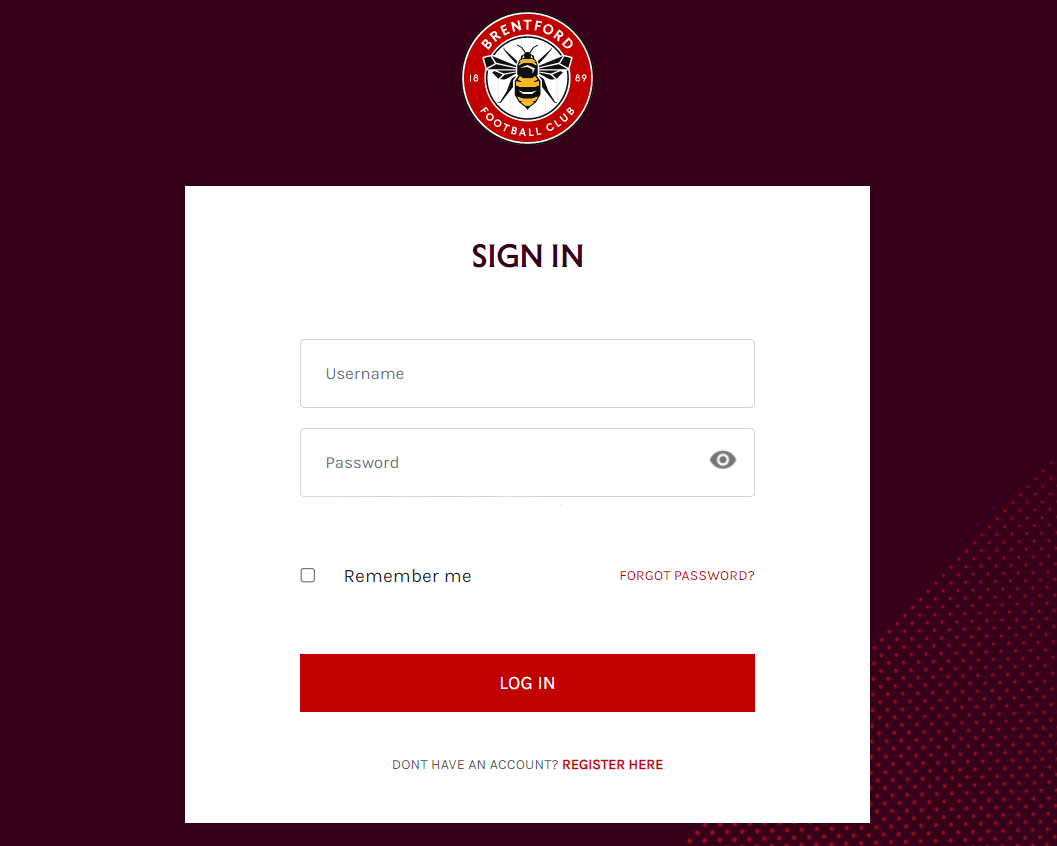
3. Enter your current ticketing email address and password
4. You will be redirected to this page:
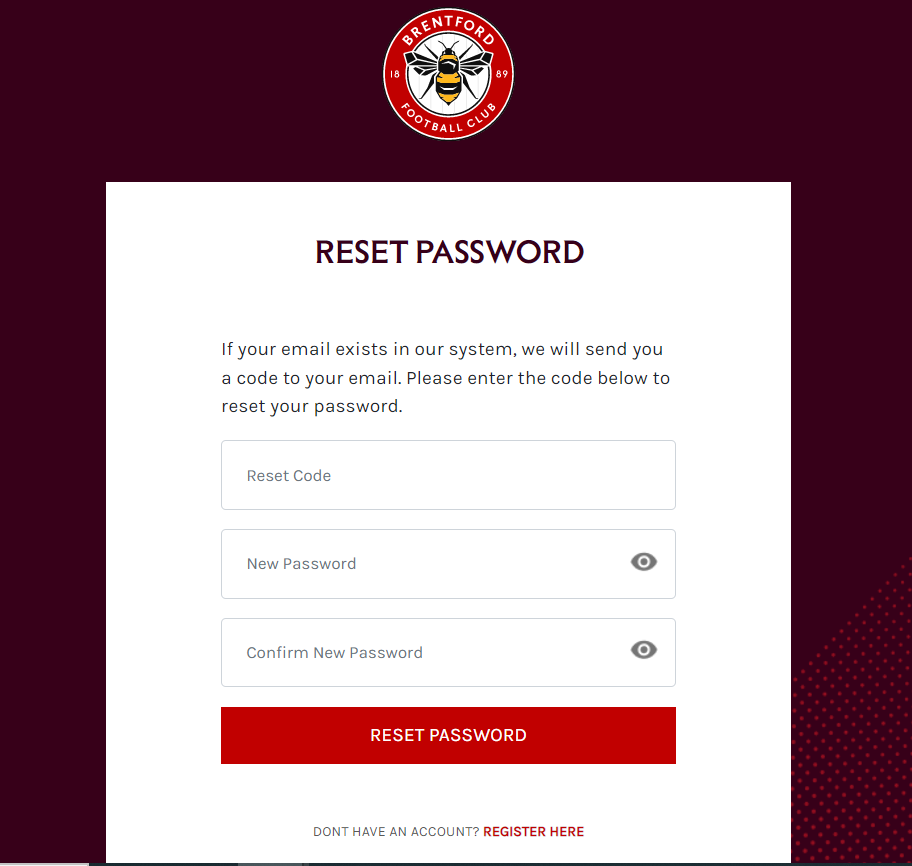
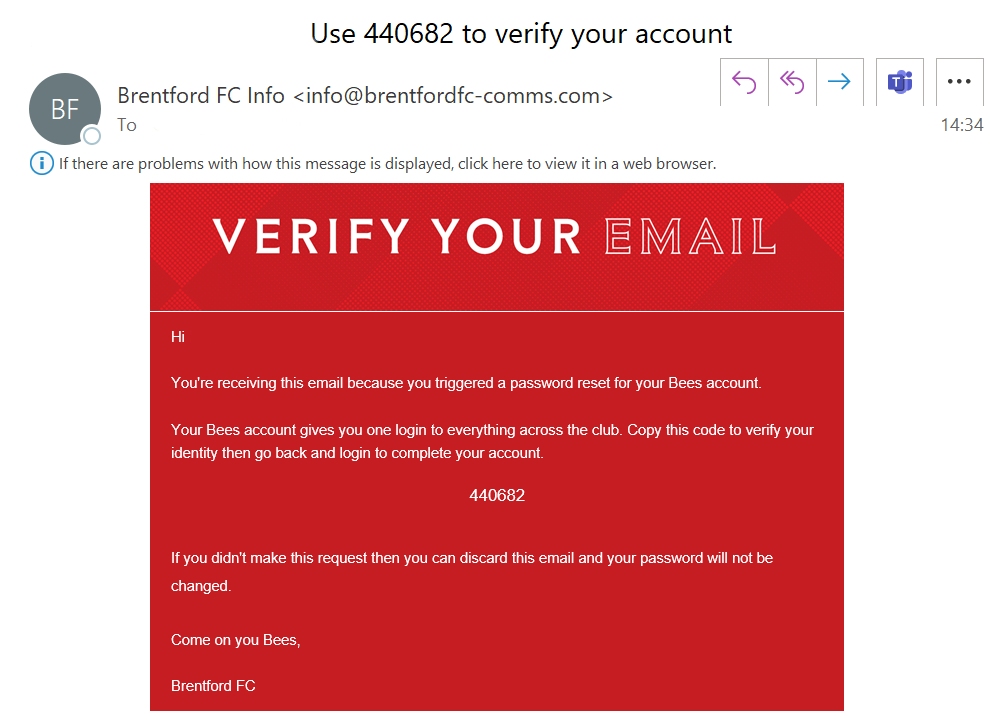
5. This will trigger an automatic email that contains a code. This will enable you to create your password. If you do not receive this email, please check your spam folder, or make sure you have added [email protected] to your safe senders list. This email will look like this:
6. Enter the code and a new password of your choosing as shown below:
Please note, your browser may automatically populate the reset code box, so be sure to delete any pre-populated email addresses or passwords.
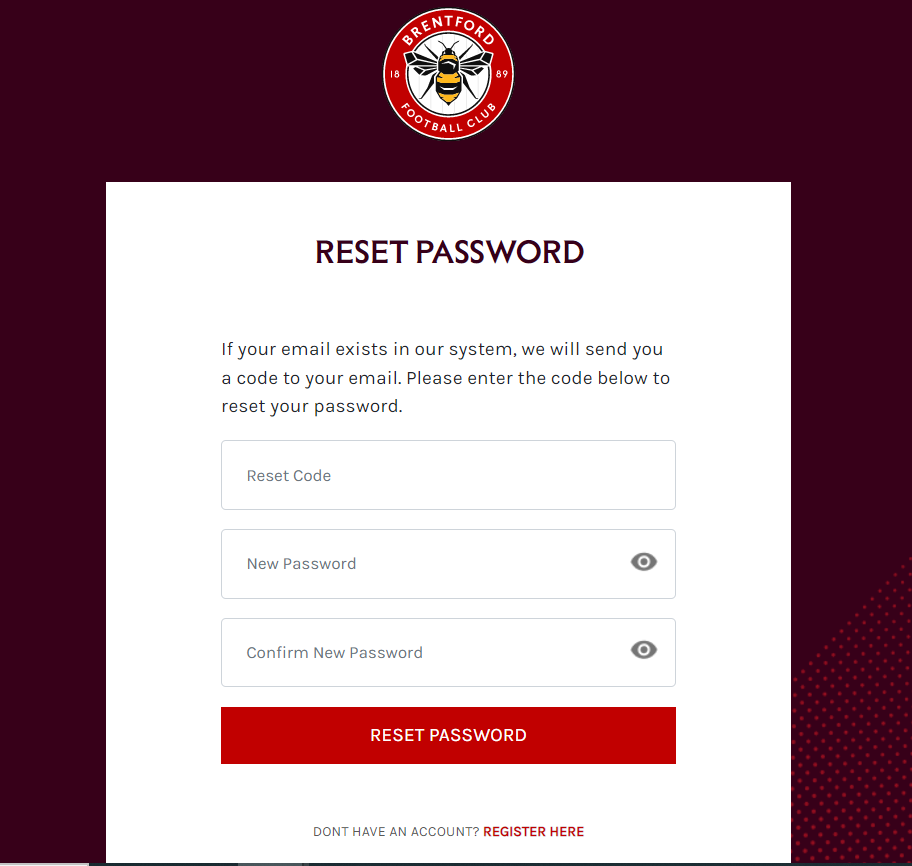
Your browser may prompt you to save your password, it may populate the username field with the code you used to verify your account. Make sure to manually change this to your email address before saving your password.
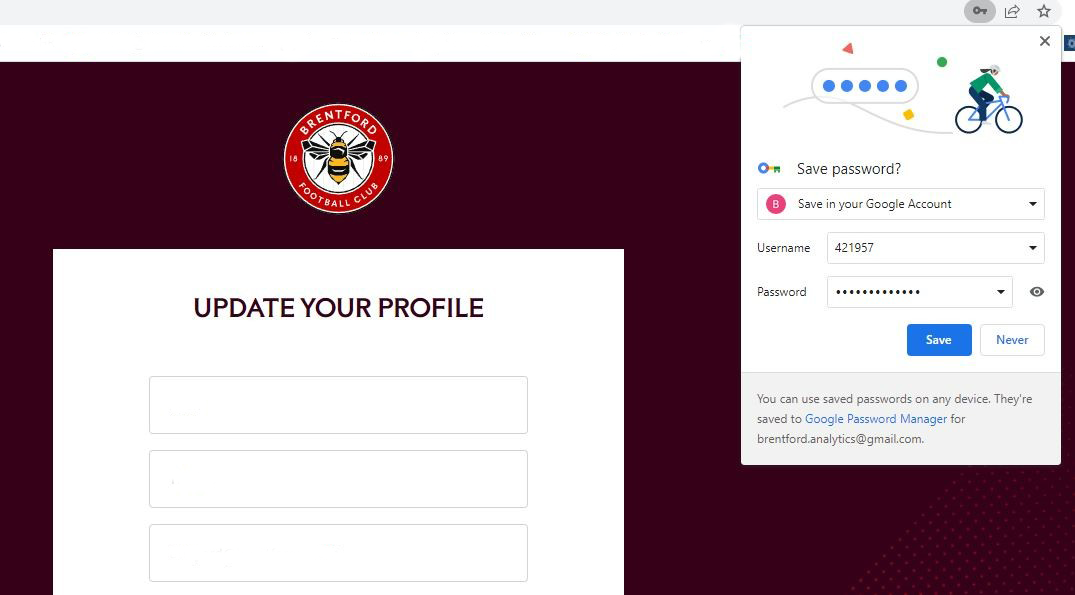
7. After updating your profile, you will be directed to the Brentford FC home page, and your log in status will be shown top corner.

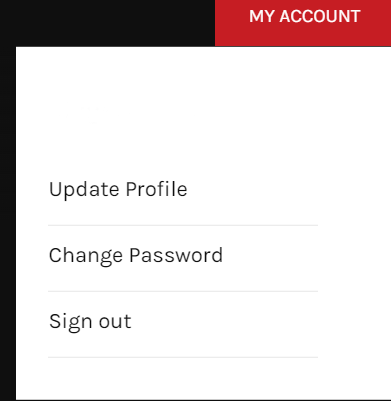
8. You will be able to see your account details.
If you are on a mobile device, it will look like this:
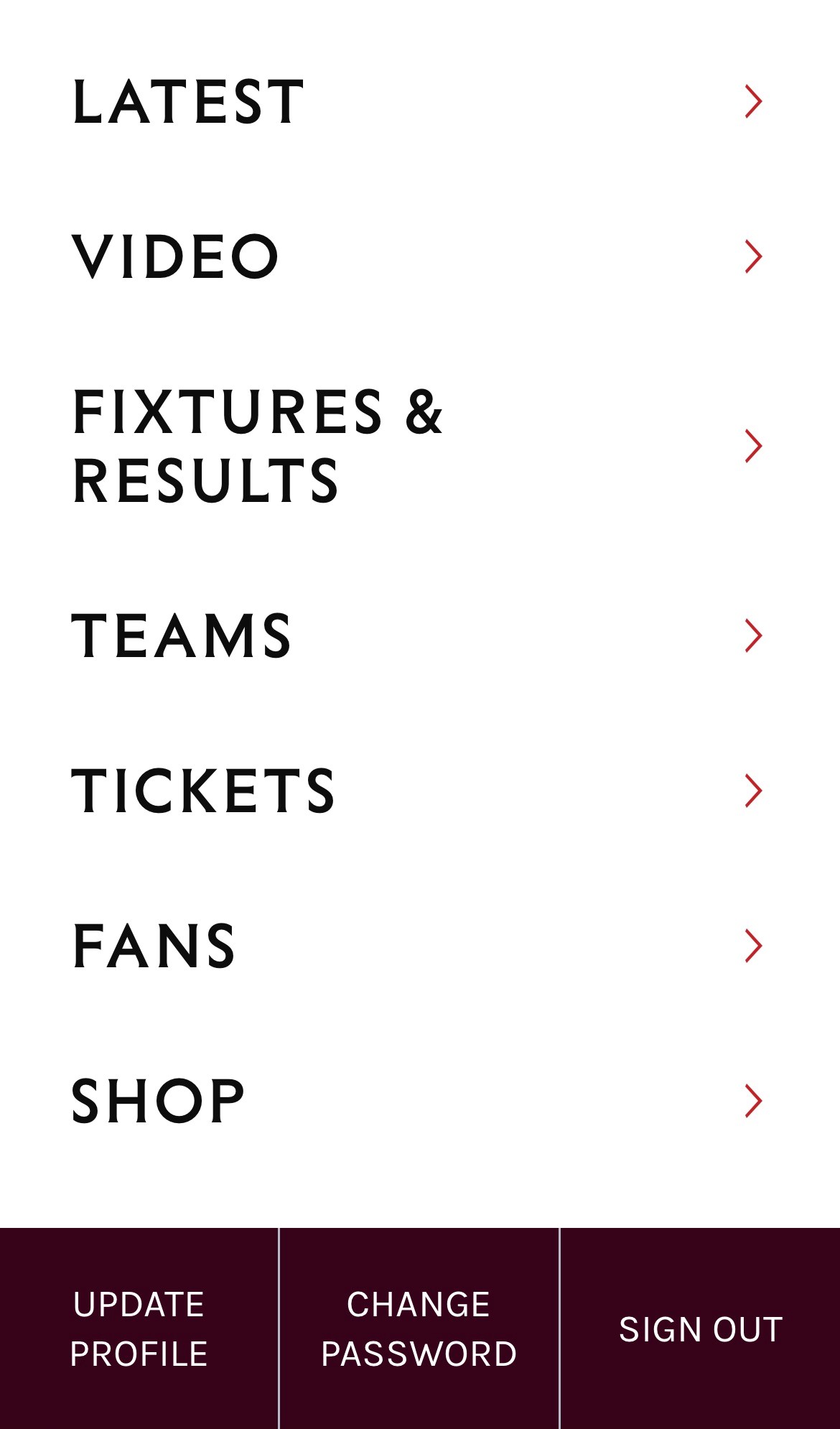
Please note, that if you are on mobile, you must click the 'more' menu to see your account options.
9. Your log ins for ticketing, the shop and the app will remain the same until 31 October. On 31 October logins will switch to single sign-on. From this date you must create your password before you can buy tickets, merchandise or log in to the Brentford FC App. You will need to use your new Bees account login details from this point.
10. If you have successfully completed the set up of your Bees account, you can test this by clicking here, and either logging in with your new details, or you will be redirected to the home page where you will see your logged in account details in the top right corner of the screen (see point 7).